
Free
Gmail Zoom
Inbox looking ant-sized? Zoom the list, the message, and compose separately — read and write like a human again.
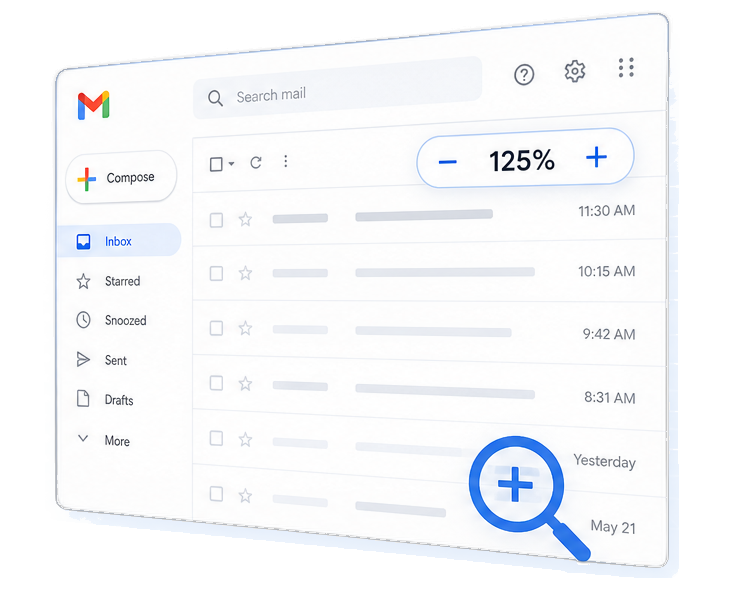
What it is
Gmail Zoom is a Chrome / Vivaldi browser extension that gives you separate font-size controls for the email list, the reading pane, and compose. Browser zoom blows everything up. This only sizes the parts you care about.
- Three zooms: list, body, and compose — each independent.
- 10% steps from 50% to 300%, with one-click reset to 100%.
- Settings save between sessions on your computer.
- Popcorn icon sits next to the Gmail logo — not buried in the toolbar.
How it helps
Gmail’s default sizes are tiny on big monitors. One global zoom makes the chrome huge too. Separate controls fix the reading problem without wrecking the layout.
Email list
Subjects, senders, and snippets in the inbox — size them so scanning is easy.
Email body
Reading pane text gets its own size — bump it for long threads without enlarging the whole UI.
Compose
Write replies at a comfortable size without changing how you read the inbox.
Key features
Sits inside Gmail, stays private
Click the popcorn next to the Gmail logo. Changes apply instantly. Reset brings you back to Gmail’s defaults.

Precise 10% steps
Minus / plus in 10% increments from 50% to 300%. Fine-tune without overshooting.

Smart 100% reset
At 100%, custom font styles are removed so Gmail’s real defaults come back — not a fake “almost default.”

Private by design
Only runs on mail.google.com. Zoom prefs stay local. It does not read or send your email.
What’s included & how to install

Chrome or Vivaldi — open chrome://extensions or vivaldi://extensions, enable Developer mode, Load unpacked.
Open Gmail — go to mail.google.com, refresh if needed, click the popcorn next to the Gmail logo.
Adjust & forget — set list / body / compose once; prefs stick until you change them.