
Free
YouTube Speed Control
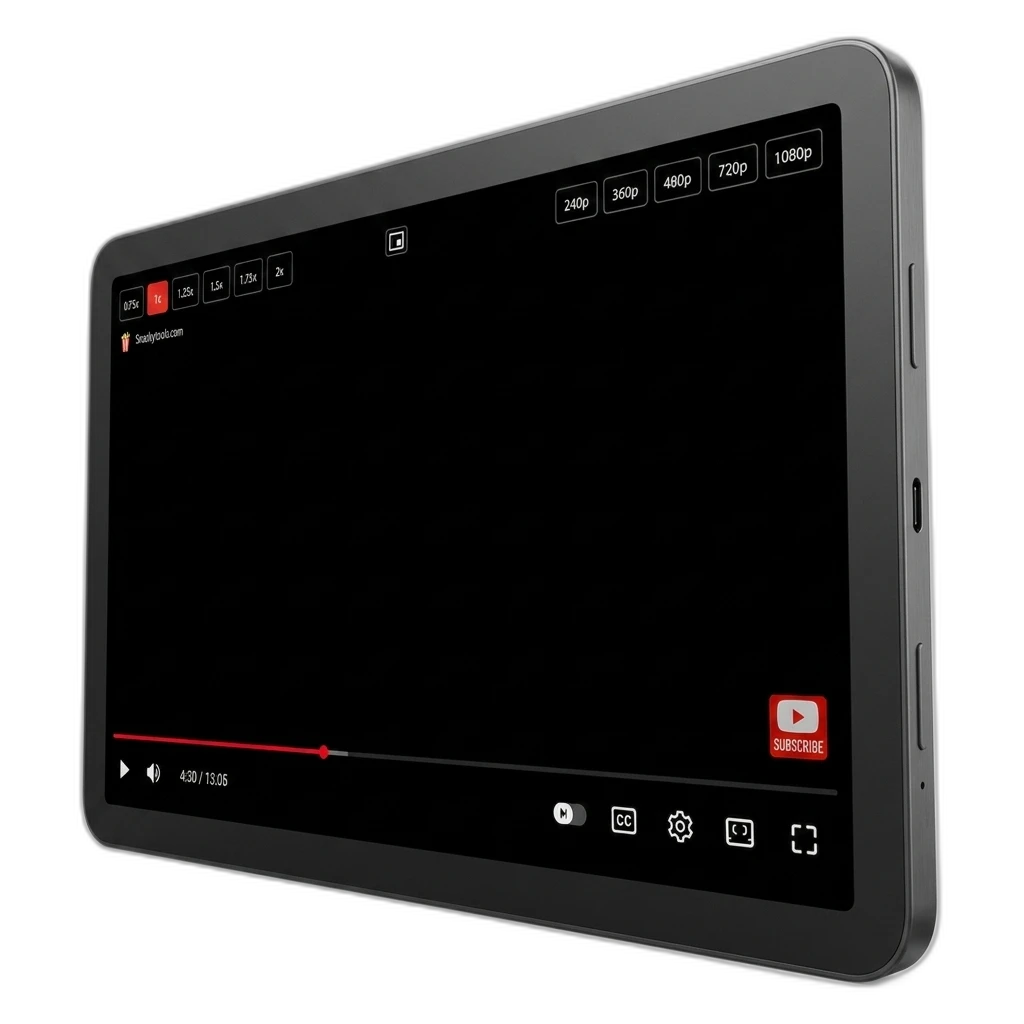
Hover the player. Tap a speed. Keep watching. Quick buttons for 0.75× through 2× — plus common quality picks — without digging through YouTube’s menus.
What it is
A tiny browser extension for YouTube. When you hover the video player, it shows speed and quality buttons right on the page — so tutorials, podcasts, and long talks run at your pace.
- Speeds: 0.75×, 1×, 1.25×, 1.5×, 1.75×, and 2×.
- 1.5× is highlighted — the everyday catch-up speed most people reach for.
- Quality shortcuts: 240p, 360p, 480p, 720p, and 1080p.
- Runs only on youtube.com. Free beer-ware from Snackytools.
How it helps
YouTube’s built-in speed menu works — but it’s a few clicks deep every time. This overlay appears when you hover, then fades when you leave, so the player stays clean.
Tutorials at 1.5×
Skim how-tos without losing the plot. Drop back to 1× when something dense hits.
Podcasts at 2×
Long talks finish sooner. One tap on the overlay — no settings rabbit hole.
Quality when you need it
Bump to 1080p for detail, or drop resolution on a slow connection — same hover overlay.
Key features
Built into the player you already use
No separate popup to manage while you watch. Hover, click, done.
Hover overlay
Speed and quality bars appear after a short hover delay, then fade when you move away.
Small-player layout
On narrower players, controls stack so buttons stay usable instead of getting squished.
YouTube only
Host permission is youtube.com. No extra account permissions. Lightweight overlay, nothing more.